Massage chair and TV: Check HaloShort subtitles before volume
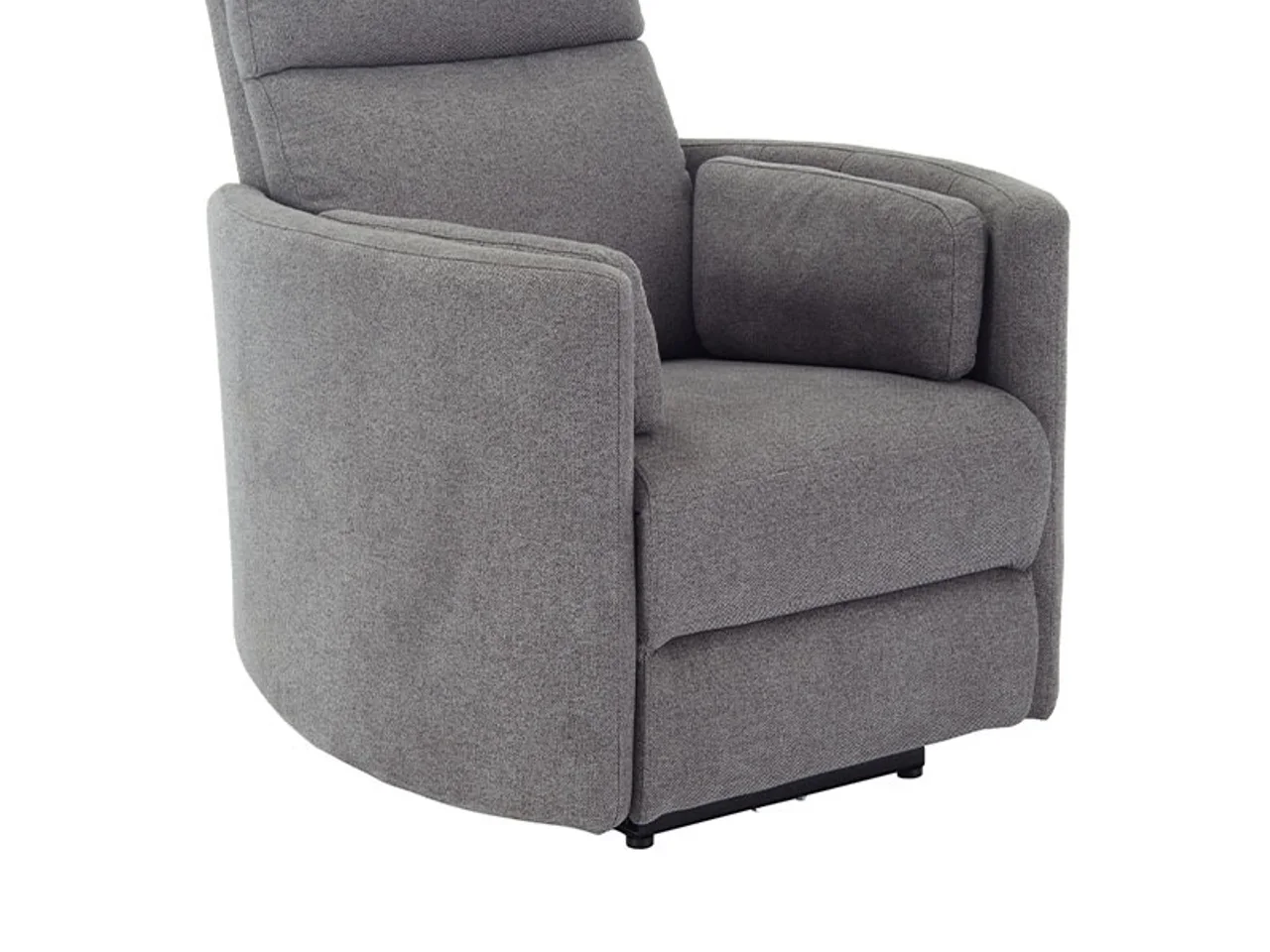
A massage chair faces the living-room TV. If the dialogue is hard to hear, raising the volume may not be the first thing to try. Check whether the HaloShort episode has suitable subtitles, then consider the seat position and audio setup.
Even with subtitles, sit down and watch a segment
HaloShort provides subtitles according to the actual episode. Open the episode you plan to watch, confirm the language, then read a few lines from your usual seating position. The app menu having Chinese doesn't prove this episode also has Chinese subtitles, and options available on the previous episode don't necessarily guarantee the next one.
After the chair's state changes, viewing direction and distance may differ from when you first sat down. Use it according to the chair's own instructions, then check whether the picture is still clear; don't check only once while standing and then assume all positions are the same.
Check wherever the sound comes from
The TV, external speakers, and other devices in the room may all emit sound at the same time. First identify where the current sound is coming from, then adjust the corresponding device. The massage chair's controller handles its own functions, while pausing and volume for TV content are operated through the TV system and the actual playback interface; the two won't sync just because they're placed together.
When the current episode has readable subtitles, you can use them to try a lower volume. If there are no suitable subtitles, switching to other content or pausing is fine too—there's no need to make the whole room louder just to catch a few lines of dialogue.
Try one episode first, don't set everything at once
To get the app, search HaloShort in the Emotn store and check compatibility with your home's Android TV, Google TV, or other Android devices. After installing, find episode selection, pause, and back once—that's enough to get started day to day.
Its current content is free to watch. Follow your own instructions for using the chair, and a TV story segment can also end on its own; being able to see clearly and stop when needed is often better than having many device settings open at once for figuring out what needs adjusting.